


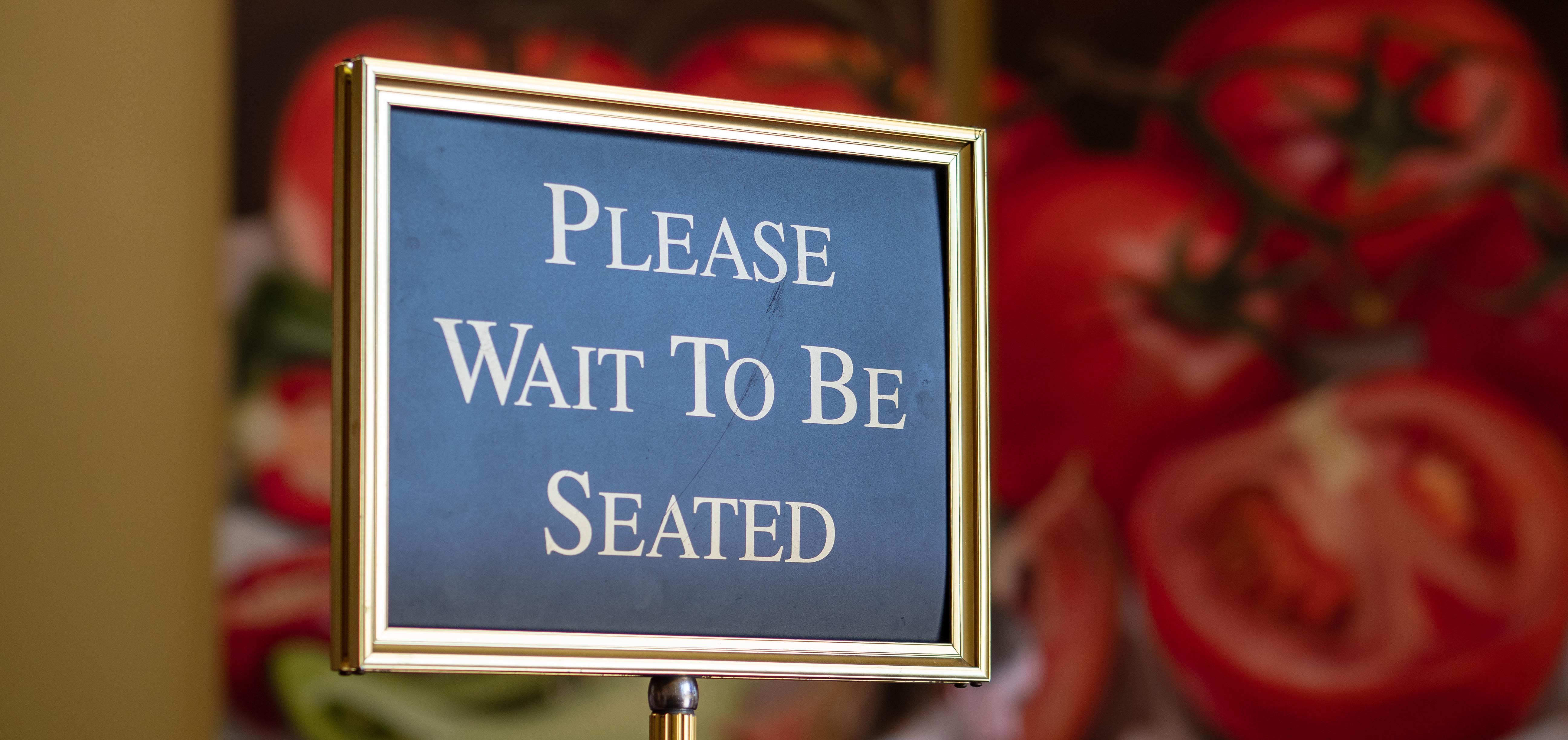
When guests are waiting for a table or an order, the way you notify them can affect more than convenience. It can influence how far they wander, how quickly they return, how much personal information they must provide, and how smoothly your staff manages the rush.
Restaurant pagers and text messaging can both keep guests out of crowded waiting areas, but they work differently. The best option depends on your restaurant’s layout, service model, guest preferences, and operational priorities.
Here is how the two approaches compare, which solution fits different operating environments, and why a hybrid system may offer the strongest answer.
How Restaurant Pager Systems Work
A guest pager system gives each waiting party a numbered pager. When their table or order is ready, an employee enters the pager number into a transmitter or waitlist system. The pager then alerts the guest through flashing lights, vibration, sound, or a combination of alerts.
Because the system operates within a defined local coverage area, guests stay close enough to return promptly. They do not need to provide a phone number, download an app, or keep checking their phone.
Benefits of Restaurant Pagers
- Fast and Simple - Staff can assign and alert a pager with only a few steps.
- No Personal Information Required - Guests do not have to share a mobile number.
- Keeps Guests Nearby - The system’s coverage area gives guests room to move without encouraging them to travel too far from the restaurant.
- Works Without the Guest’s Phone - A dead battery, weak cellular signal, silenced phone, or lack of a mobile phone does not prevent the alert.
- Easy for Busy Teams to Manage - Pagers provide a familiar, repeatable process during high-volume periods.
- Reusable - The restaurant retains the devices and can use them repeatedly.
Potential Limitations of Restaurant Pagers
- Pagers must be purchased, charged, cleaned, collected, and occasionally replaced.
- A guest may accidentally leave with a pager.
- Guests need to remain within the paging system’s coverage area.
- Some guests may prefer receiving a message on their own phone.
How Text-Based Waitlist Notifications Work
With a restaurant text waitlist, a host enters the guest’s name and mobile number into a waitlist platform. The system sends an SMS message when the table or order is ready. Depending on the software, it may also send a welcome message, estimated wait information, updates, or instructions.
Benefits of Text Messaging
- Uses the Guest’s Own Device - There is no physical pager to hand out or collect.
- Supports More Detailed Messages - Restaurants can provide instructions such as where to check in or how quickly the guest should return.
- Allows Greater Mobility - Guests may be able to visit nearby stores, wait in their car, or walk around the property. Creates a digital waitlist record - Waitlist software can help restaurants monitor wait times, guest flow, and operating trends.
- Feels Familiar - Many guests already use text messaging throughout their day.
What are the downsides of using SMS for guest notifications?
Text messaging is convenient, but it introduces variables outside the restaurant’s control:
- Delivery is Not Always Immediate - Carrier delays, network congestion, poor cellular coverage, or a phone’s settings can delay an SMS message.
- Guests May Miss the Alert - Phones may be silenced, set to Do Not Disturb, buried in a bag, or low on battery.
- A Phone Number Must Be Collected - Some guests do not want to share personal information for a short restaurant visit.
- Entry Errors Can Occur - A mistyped number may send the message to the wrong person—or no one at all.
- Guests Can Travel Too Far - More freedom is helpful, but a guest who leaves the immediate area may take longer to return when a table becomes available.
- Not Every Guest Can or Wants to Use SMS - International visitors, children, older guests, and people without an active mobile phone may need another option.
- Policies And Consent Matter - Restaurants should clearly distinguish operational waitlist messages from promotional marketing and follow applicable messaging requirements.
| Consideration | Restaurant Pagers | Text Messaging |
|
Guest Phone Required |
||
|
Phone Number Required |
||
|
Physical Equipment |
Pager, Charger and Transmitter |
Compatible waitlist platform and internet connected equipment. |
|
Alert Detail |
Typically lights, vibration, sound or short display messages. |
Custom written instructions and updates. |
|
Guest Mobility |
Withing paging coverage area. |
Potentially beyond the immediate property. |
|
Dependence on Cellular Service |
||
|
Device Collection and Cleaning |
|
|
|
Risk of Missed Alert |
Pager may be out of range or overlooked. |
Phone may be silenced, offline or delayed. |
|
Best Fit |
Fast, local, high-volume notification. |
Flexible waitlists and detailed guest communication. |
Which Option Is Better for Your Restaurant?
Neither method is automatically better for every restaurant. The clearest deciding factors are guest volume, how quickly guests must return, and whether they are likely to remain nearby.
Choose pagers for short-range, high-volume environments
- Tables or orders turn quickly and guests must return promptly.
- Cellular reception is inconsistent.
- You serve a high volume of tourists or international guests.
- Guests are expected to remain on the property.
- Privacy and minimal data collection are priorities.
- Your team needs a simple workflow during peak periods.
- Your venue or surrounding property covers a larger area.
- Waits are long enough for guests to leave the immediate premises.
- Guests commonly wait in their cars or visit nearby businesses.
- You want to send specific instructions or status updates.
- Your restaurant already uses digital waitlist or table-management software.
- Eliminating the handling of physical devices is a priority.
Choose SMS for larger venues and greater guest mobility
- Your venue or surrounding property covers a larger area.
- Waits are long enough for guests to leave the immediate premises.
- Guests commonly wait in their cars or visit nearby businesses.
- You want to send specific instructions or status updates.
- Your restaurant already uses digital waitlist or table-management software.
- Eliminating the handling of physical devices is a priority.
Choose a hybrid system when guest needs vary
A combined system lets the host ask a simple question: Would you prefer a pager or a text?
That choice helps restaurants accommodate guests who do not want to provide a phone number, guests without reliable cellular service, and guests who simply prefer one notification method over the other. It also provides an operational backup when a phone is unavailable, or a pager is not the most convenient choice.
Restaurants do not necessarily have to make one method fit every guest, location, or daypart. A hybrid solution preserves the dependable, signal-independent benefits of pagers while adding the mobility and detailed communication of SMS.
Can a Restaurant Pager System Also Send Text Messages?
Yes—if the paging equipment and waitlist software are designed to work together. JTECH’s HostConcepts® and SmartCall Messenger® can send both pager and SMS alerts through a combined notification system, allowing staff to manage both methods from one workflow instead of operating two unrelated processes.
Compatibility varies by provider and equipment, so restaurants should confirm whether the system supports their existing pagers, transmitter, point-of-sale or kitchen display system, and internet setup.
Does JTECH’s System Support Both Pagers and Text?
Yes. JTECH offers hybrid systems that support both SMS notifications and compatible JTECH pagers. HostConcepts® is designed for restaurant waitlists and guest management, while SmartCall Messenger supports waiting-customer workflows in hospitality and other environments. Guests can choose the notification method they prefer, and employees can manage pager and SMS alerts through one system.
For restaurants that need order-ready notifications, JTECH also offers compatible solutions that can send pager or text alerts through supported system configurations and integrations.
The exact equipment and subscription requirements depend on the restaurant’s current technology and desired workflow. A JTECH specialist can help determine whether an existing paging system can be integrated or whether additional components are needed.
Build a Waitlist Experience Around Your Operation
The best guest notification system is the one that works reliably during your busiest shift. Restaurant pagers provide speed, privacy, and dependable on-premises communication. Text messaging provides flexibility, detailed instructions, and the convenience of using the guest’s own phone.
For many restaurants, the strongest solution is not pagers OR texting. It is having the ability to use either one. HostConcepts® brings both notification methods into the restaurant’s waitlist workflow, helping the operation adapt to the guest instead of asking every guest to adapt to one technology.
Talk with JTECH about a restaurant waitlist and guest-notification system that fits your location, service model, and existing technology.
Frequently Asked Questions
Is texting or a pager better for restaurant waitlists?
Pagers are better for short-range, high-volume environments. SMS is well suited to larger venues where guests may leave the premises while they wait. A hybrid system allows the restaurant to use the right method for each guest and situation.
Can a restaurant pager system also send text messages?
Yes. JTECH’s HostConcepts® and SmartCall Messenger send both pager and SMS alerts through a combined notification system, allowing staff to manage both methods from a single workflow.
What are the downsides of using SMS for guest notifications?
SMS relies on cellular service, requires a guest phone number, and can be blocked or missed because of phone settings, a dead battery, or an incorrectly entered number. Pagers work independently of cellular signals.
Does JTECH’s system support both pagers and text?
Yes. JTECH offers hybrid systems that let guests choose their preferred notification method. HostConcepts® supports both SMS guest notifications and compatible JTECH pagers within the restaurant waitlist workflow.
Speak with an Expert Today!