


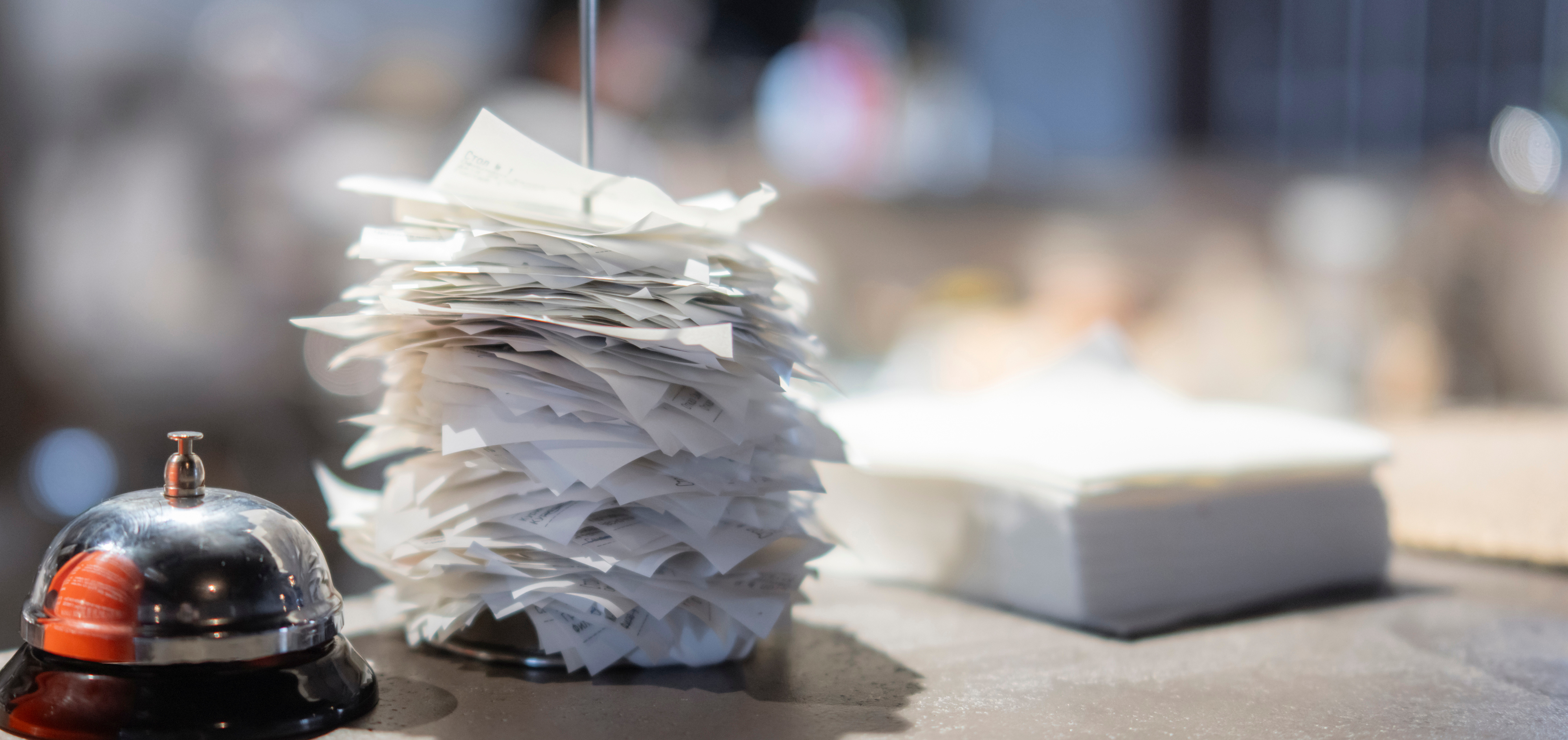
Restaurant dining has changed significantly since the pandemic. Takeout, delivery, curbside pickup, drive-thru service, mobile ordering, and third-party delivery are now routine parts of restaurant operations.
According to the National Restaurant Association, nearly 75% of restaurant traffic now occurs off-premises. In other words, almost three out of every four restaurant orders are consumed somewhere other than the restaurant dining room.
But one important part of the restaurant experience has not changed. Regardless of where guests eat their food, restaurant staff must still prepare, assemble, verify, package, stage, and present every order.
The dining room may no longer be the only destination, but the restaurant team remains at the center of every order. That makes fast, reliable restaurant staff communication more important than ever.
Off-Premises Dining Changed the Workflow, Not the Work
Before the rapid growth of digital ordering, many restaurants followed a relatively predictable workflow. Guests arrived, placed an order, ate on-site, and interacted directly with restaurant employees.
Today, orders may enter the kitchen through several different channels:
- Counter service
- Tableside service
- Drive-thru lanes
- Mobile apps
- Online ordering
- Self-service kiosks
- Third-party delivery platforms
- Telephone orders
Each order still requires staff attention. However, employees may now need to coordinate multiple workflows at the same time. A kitchen employee may be preparing food for a dine-in guest while another team member assembles a delivery order, a cashier assists a walk-in customer, and a manager handles a curbside pickup issue.
Without an effective staff communication system, employees may rely on shouting, searching for coworkers, repeatedly checking order screens, or leaving their workstations to ask for updates. These interruptions can slow service and increase the risk of missing items, late handoffs, and inconsistent food quality.
What Is a Restaurant Staff Communication System?
A restaurant staff communication system is a paging, alert, or two-way radio solution that helps employees exchange information quickly without leaving their assigned work areas.
Depending on the restaurant and application, the system may include:
- Server and staff pagers
- Alphanumeric pagers
- Paging transmitters
- Push-button notification systems
- Motorola two-way radios
- JTECH Extend two-way radios
- Wireless call buttons
Staff paging systems are generally used for short, targeted alerts. Two-way radios support live voice communication when employees need to exchange more detailed information or confirm that a request has been completed.
Both can reduce unnecessary movement and help employees respond more quickly.
How Staff Notification Systems Support the Entire Restaurant
Restaurant pagers are often associated with notifying guests that a table or order is ready. However, paging technology can also improve the workflows happening behind the scenes. A server and staff paging system can send discreet alerts directly to the appropriate employee. This allows team members to stay focused on their responsibilities while remaining available when they are needed.
Restaurants can use staff paging for tasks such as:
- Alerting a server when an order is ready
- Notifying a runner that food is waiting for delivery
- Calling a manager to the front counter
- Requesting assistance at a pickup area
- Letting an employee know that a curbside guest has arrived
- Calling staff to a register or service station
- Sending a preset message about an operational issue
- Requesting help without using an overhead announcement
JTECH staff pagers can provide beep, vibration, or alphanumeric alerts, depending on the system. This gives restaurants a quieter and more direct way to communicate across front-of-house and back-of-house teams.
The result is not simply faster communication. It is a more organized workflow with fewer unnecessary interruptions.
How Two-Way Radios Improve Restaurant Operations
Some situations require more than a simple alert. Employees may need to describe a problem, provide an order update, ask a question, or confirm that a task has been completed. That is where restaurant two-way radios can be especially valuable.
Motorola and JTECH Extend two-way radios allow staff members to communicate in real time across the restaurant, parking lot, drive-thru, patio, event space, or other operating areas.
Common restaurant applications include:
- Coordinating curbside pickup
- Communicating between the kitchen and pickup counter
- Managing drive-thru traffic
- Requesting manager assistance
- Confirming that an order has been remade
- Coordinating dining room and patio service
- Reporting maintenance or safety concerns
- Communicating across large or multi-level properties
- Supporting opening, closing, and cleaning procedures
The JTECH Extend is available in multiple channel configurations and is compatible with Motorola CLS radios. This can make it easier for restaurants to expand an existing radio system or create separate channels for different teams or departments.
Faster Communication Helps Protect Food Quality
Restaurant speed is not only about how quickly food is prepared. It also includes how quickly a completed order moves from the kitchen to the guest, pickup shelf, drive-thru window, or delivery driver. When employees do not know that an order is ready, prepared food may sit longer than intended. Hot food can cool, cold food can warm, fried items can lose their texture, and presentation can suffer.
An immediate staff alert can help reduce the time between preparation and handoff.
For example, a staff pager can notify a server or food runner as soon as an order is ready. A radio can help an employee confirm the correct delivery driver, locate a curbside customer, or resolve a missing-item question without walking through the restaurant to find a manager.
These small improvements can help restaurants deliver a more consistent product, regardless of where the guest plans to eat it.
Better Coordination Can Improve the Guest Experience
Guests may not see the communication system being used behind the scenes, but they experience its results.
Effective restaurant staff communication can contribute to:
- Shorter wait times
- Faster order handoffs
- More responsive service
- Fewer missed requests
- Better order accuracy
- Quieter dining environments
- More consistent food quality
- Faster problem resolution
The National Restaurant Association reports that off-premises guests define value as more than price. Quality, convenience, and speed of service are also important parts of the value equation. A restaurant may offer online ordering and delivery, but those conveniences cannot compensate for an order that is late, incomplete, difficult to locate, or no longer at the right temperature.
Staff communication connects the technology guests use to place orders with the people responsible for fulfilling them.
Staff Paging or Two-Way Radios: Which Is Better?
The right solution depends on the type of communication employees need.
Choose staff paging when:
- Employees need short, targeted alerts
- Quiet communication is important
- Managers want to reduce overhead announcements
- Staff members need to know when an order or task is ready
- Preset or alphanumeric messages provide enough information
Choose two-way radios when:
- Employees need live voice communication
- Staff work across a large property
- Team members frequently need to ask or answer questions
- Managers need immediate confirmation
- Employees coordinate drive-thru, parking lot, patio, or curbside activity
Many restaurants benefit from using both. Staff pagers can handle routine alerts, while two-way radios support situations requiring conversation or immediate clarification.
How Can Restaurants Improve Staff Efficiency?
Technology is most effective when it supports a clearly defined workflow. Before choosing a communication system, restaurant operators should identify where delays and communication gaps occur.
Consider asking:
- Where do employees lose time looking for one another?
- Which orders sit too long before pickup or delivery?
- When do employees leave their assigned stations?
- Which requests are commonly missed?
- Where does shouting or overhead paging disrupt the environment?
- Which teams need one-way alerts, and which need two-way communication?
- Do employees need coverage outside the main dining room?
The goal is not to add another device to the operation. The goal is to deliver the right information to the right employee at the right time.
Restaurant Service Has Expanded Beyond the Dining Room
Dine-in, takeout, delivery, drive-thru, curbside pickup, and mobile ordering may look like separate guest experiences. Operationally, they all depend on the same thing: a coordinated staff. Every order must move through a series of people and steps before it reaches the guest. The faster and more accurately employees communicate, the easier it becomes to maintain speed, service, and product quality across every ordering channel.
JTECH server and staff notification systems, Motorola two-way radios, and JTECH Extend radios help restaurants connect employees across front-of-house, back-of-house, pickup, drive-thru, and other service areas.
Because no matter where guests eat, restaurant staff still make the experience possible.
Frequently Asked Questions
What is the best communication system for restaurant staff?
The best system depends on the workflow. Staff pagers work well for discreet, targeted alerts, while two-way radios are better when employees need live voice communication. Restaurants may use both to support different tasks.
How do server pagers improve restaurant efficiency?
Server pagers notify employees when food, assistance, or a task is ready. This reduces the time employees spend checking the kitchen, searching for coworkers, or waiting for verbal instructions.
Can staff paging systems be used for takeout and delivery orders?
Yes. Restaurants can use staff paging to alert employees when an online order is ready, a delivery driver has arrived, a curbside guest needs assistance, or an order requires attention.
Are two-way radios useful in restaurants?
Yes. Two-way radios help employees communicate across kitchens, dining rooms, drive-thru lanes, patios, parking lots, and other restaurant areas. They are especially useful when employees need to ask questions or confirm that a task has been completed.
What is the difference between a staff pager and a two-way radio?
A staff pager typically receives an alert or preset message. A two-way radio lets employees hold a live voice conversation. Pagers are useful for routine notifications, while radios are better for detailed or changing situations.
Can JTECH Extend radios work with Motorola radios?
JTECH Extend radios are compatible with Motorola CLS radios, allowing businesses to add Extend radios to certain existing Motorola CLS communication systems.
How does staff communication affect food quality?
Fast communication helps completed orders move from preparation to service or pickup more quickly. This can reduce the time food sits waiting and help preserve temperature, texture, presentation, and overall order quality.
Strengthen Communication Across Your Restaurant
Whether an order is served in the dining room, picked up at the counter, delivered curbside, or handed to a delivery driver, your staff must work together to prepare and present it quickly and accurately.
JTECH staff paging systems and two-way radios can help reduce communication delays, improve response times, and keep front-of-house and back-of-house teams connected. Our team can help you choose the right solution for your restaurant’s layout, workflows, and service goals.
Ready to improve staff efficiency and streamline restaurant operations?
Contact JTECH to discuss the right staff communication solution for your team.